

GetTried

RigSpark

Know which AI to run on your own computer

AI Tools Free
Visit website

Share RigSpark

Know which AI to run on your own computer

Report RigSpark

Goes straight to our moderators. Only they see who sent it.

Log in to send a report.

RigSpark screenshot 1
RigSpark screenshot 2

What is RigSpark?

RigSpark is an AI tool: Know which AI to run on your own computer. It is free to use. Works on Mac, Windows and Linux. Rated 4.3/5 from 3 reviews on GetTried. Website last checked 12 Nov 2026.

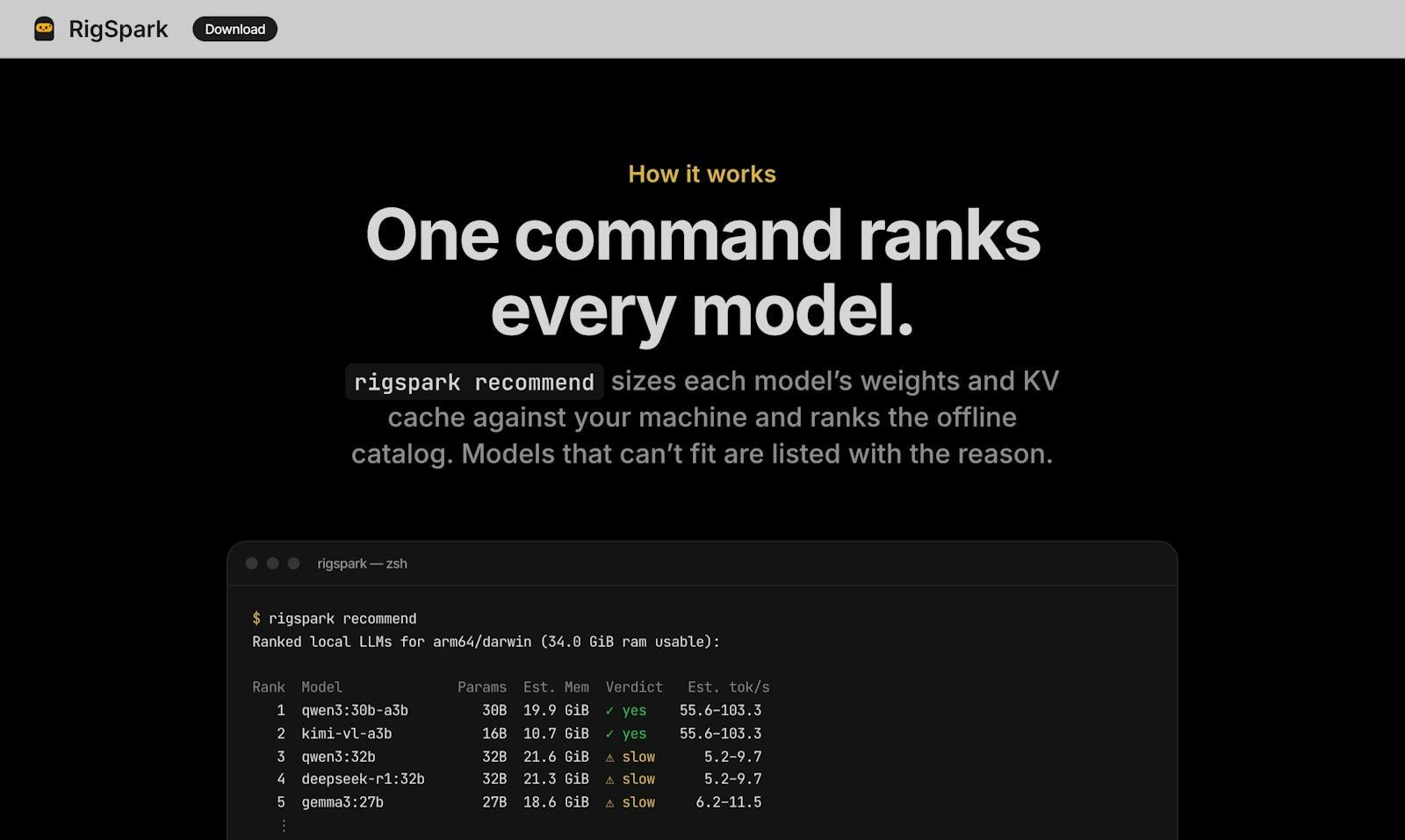
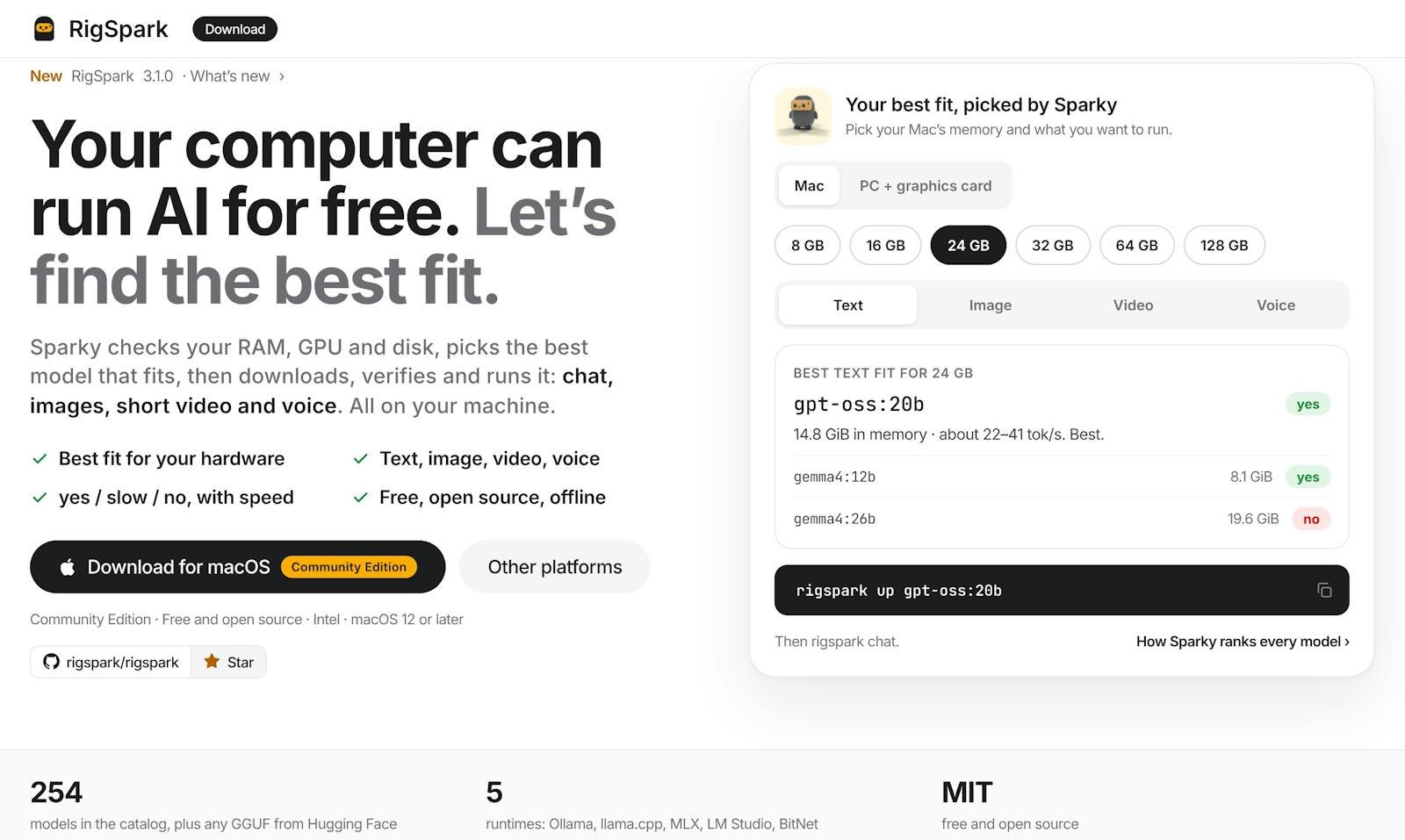
RigSpark is a free, open-source app for running open AI models locally for chat, images, video and voice. Before you download anything it checks your memory, GPU and disk and shows which models and sizes will fit, which will be slow and which will not run, with the reason. No account, no cloud and no metering. Written in Rust, MIT licensed.

  • Checks RAM, GPU and disk before you download
  • Shows which models fit, run slow or will not run
  • Local chat, image, video and voice models
  • No account, cloud or usage metering
  • Open source (MIT), desktop app and CLI
Rakibul Islam Nov 11, 2026

Finally a tool that tells me which models my GPU can actually run.
Nusrat Jahan Nov 11, 2026

Open source and no account needed. Nice.

Tanvir Rahman Nov 11, 2026

Tried RigSpark on my laptop with 16GB RAM and an RTX 3060. It clearly showed which models would be slow and why, and saved me from downloading huge files that would never run.

Questions about RigSpark

Is RigSpark free?
Yes. RigSpark is free to use.
What platforms does RigSpark support?
RigSpark works on Mac, Windows and Linux.
Is RigSpark still active and reliable?
Yes. RigSpark's website passed our automatic health check on 12 Nov 2026.
What do users think of RigSpark?
RigSpark is rated 4.3/5 from 3 reviews on GetTried. Read every review on the Reviews tab.