
GetTried

Padrail

Turn your MacBook trackpad edges into controls

Productivity Free
Visit website

Share Padrail

Turn your MacBook trackpad edges into controls

Report Padrail

Goes straight to our moderators. Only they see who sent it.

Log in to send a report.

Padrail screenshot 1
Padrail screenshot 2

What is Padrail?

Padrail is a productivity tool: Turn your MacBook trackpad edges into controls. It is free to use. Works on Mac. Rated 4.0/5 from 1 review on GetTried. Website last checked 12 Nov 2026.

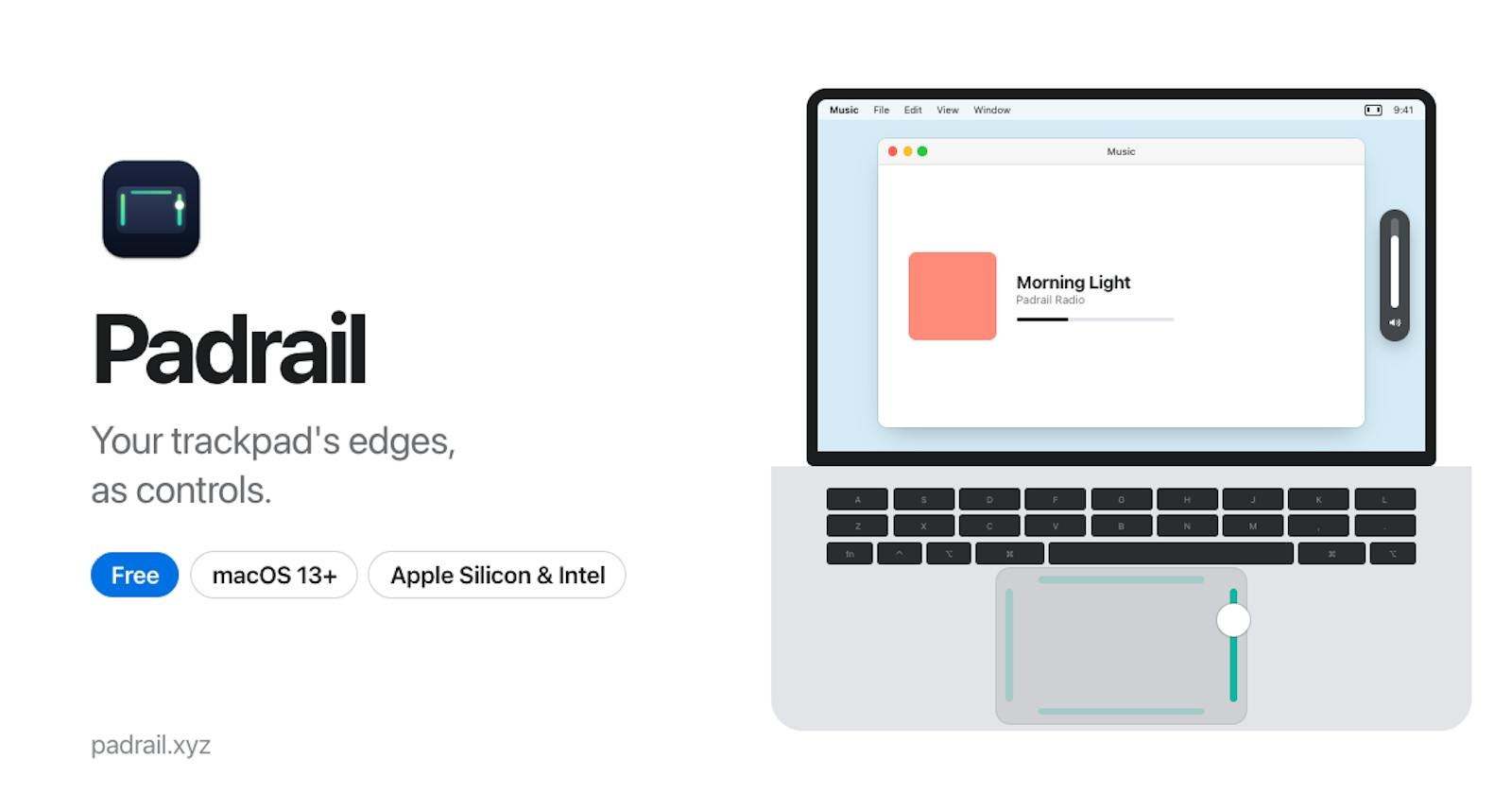
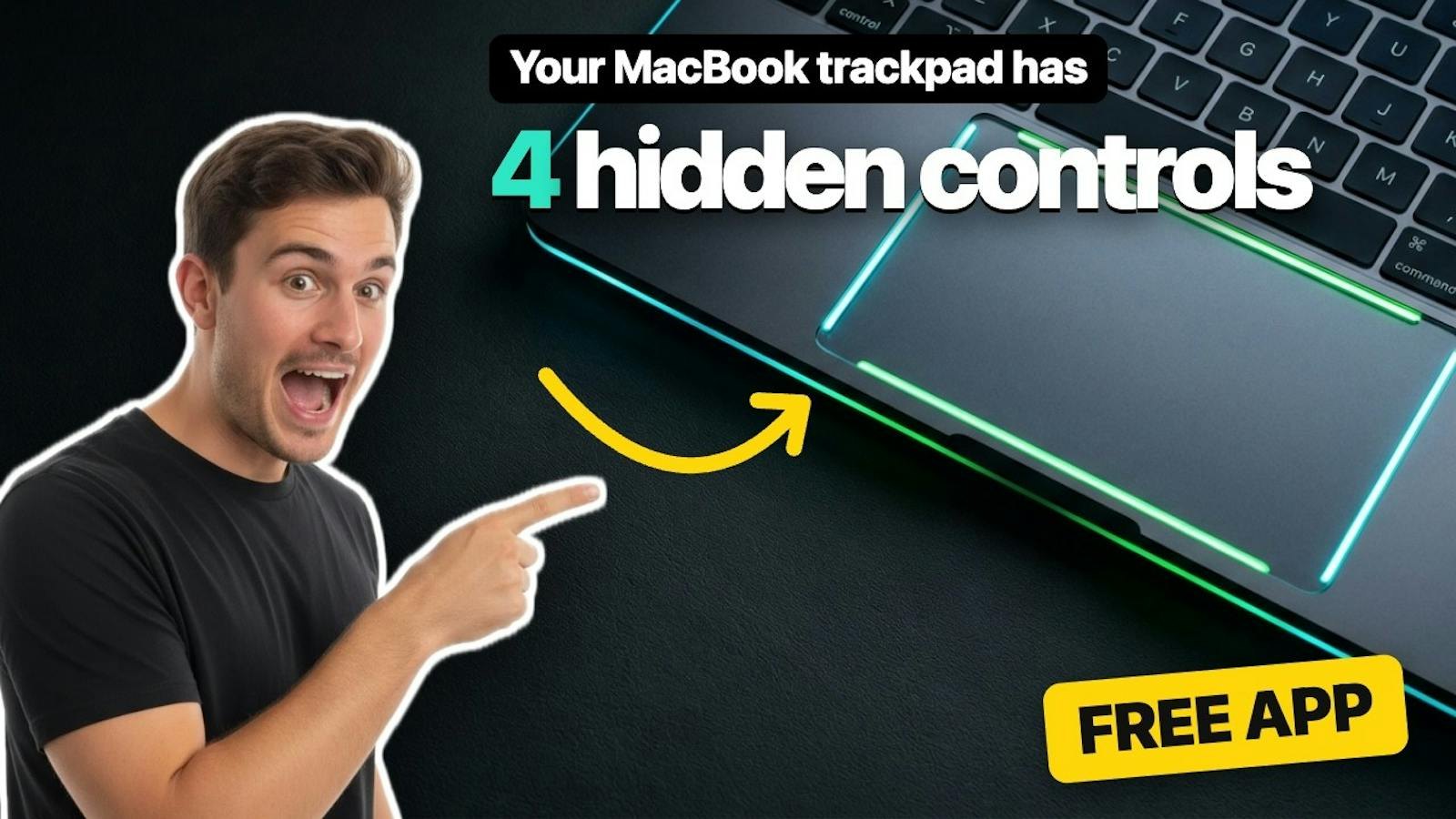
Padrail turns the edges of your MacBook trackpad into sliders: the right edge changes volume, the left edge brightness (external monitors too) and the bottom edge the keyboard light. The top edge follows the app you are in, like switching tabs in Safari or zooming in Figma. Free, no account, lives in the menu bar.

  • Right edge volume slider
  • Left edge brightness, including external monitors
  • Bottom edge keyboard light
  • App-aware top edge actions
  • Ignores touches while typing, pause for games
Farzana Akter Nov 11, 2026

The brightness slider on the trackpad edge is genuinely useful.
Questions about Padrail

Is Padrail free?
Yes. Padrail is free to use.
What platforms does Padrail support?
Padrail works on Mac.
Is Padrail still active and reliable?
Yes. Padrail's website passed our automatic health check on 12 Nov 2026.
What do users think of Padrail?
Padrail is rated 4.0/5 from 1 review on GetTried. Read every review on the Reviews tab.