Hi Makers,
I'm Mahfuz, a developer, and Z-Shot is the screenshot tool I wished I had for years.
My daily workflow used to involve five different apps. I took a screenshot in one, opened another to annotate it, used a third to blur emails and API keys, recorded my screen with a separate screen recorder, and then moved the video into yet another editor. Bug reporting was the most painful part. Every time I had to report a bug to my team, I ended up pasting a cropped screenshot with half the context missing.
Z-Shot brings all of that into a single Chrome extension.
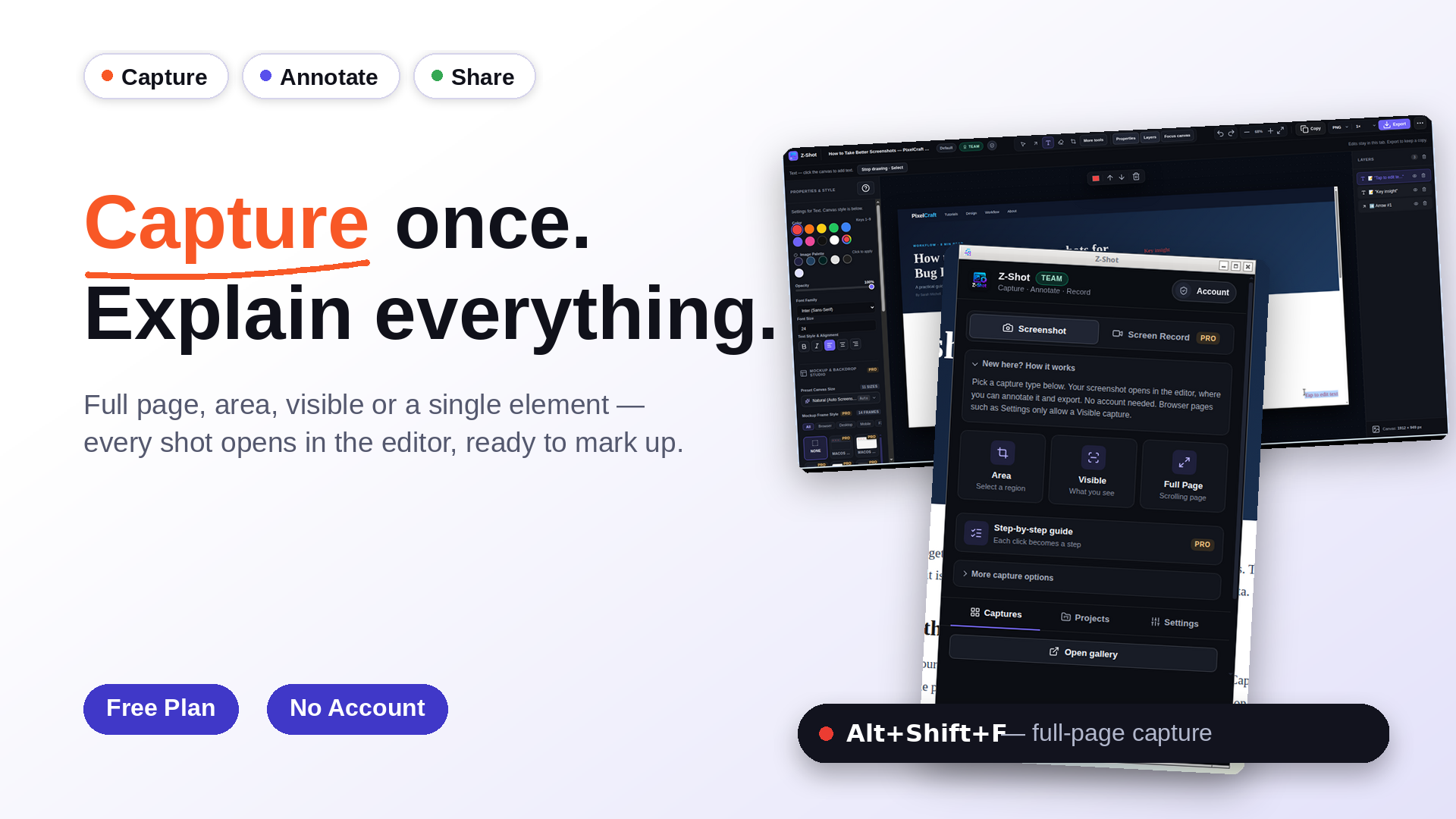
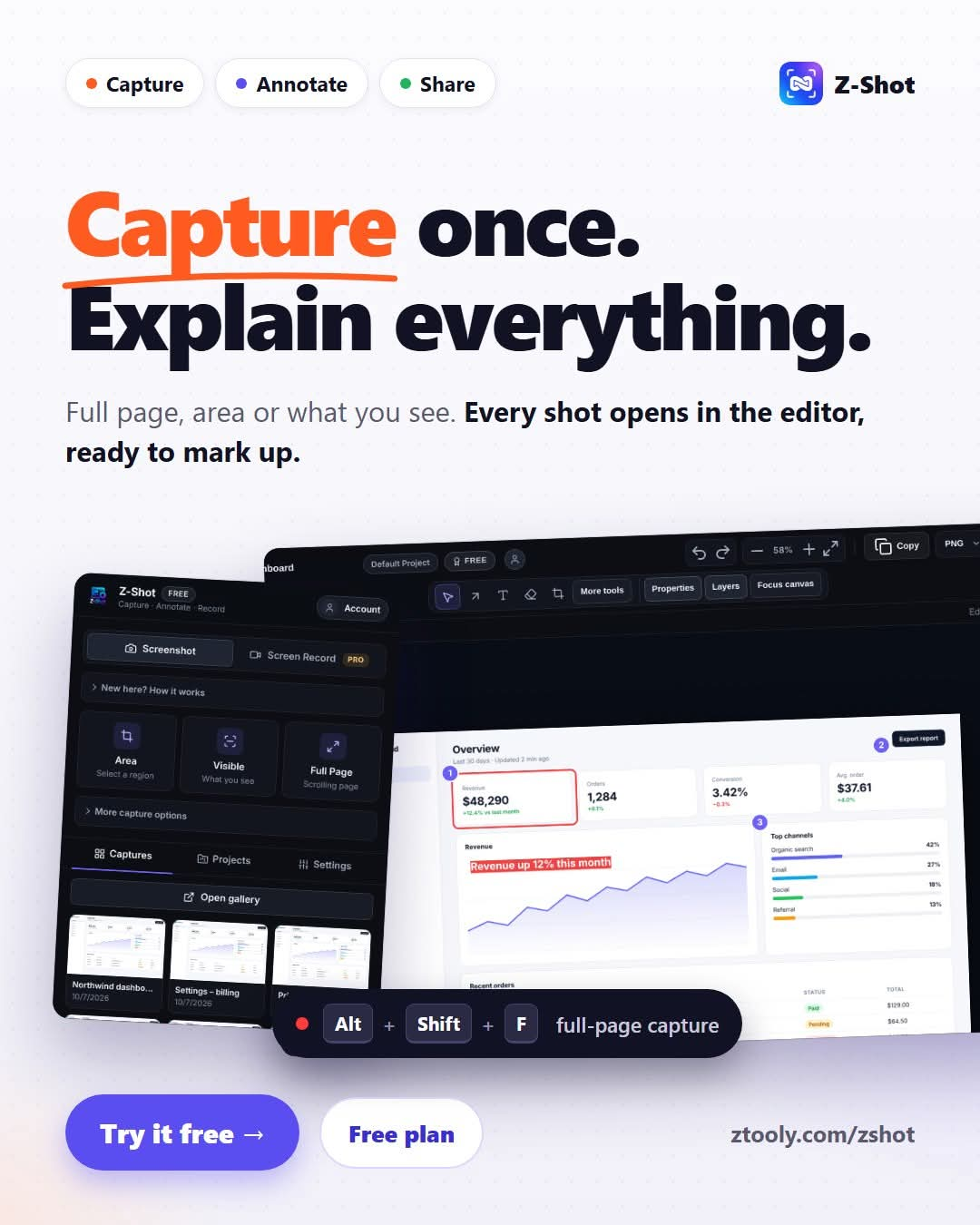
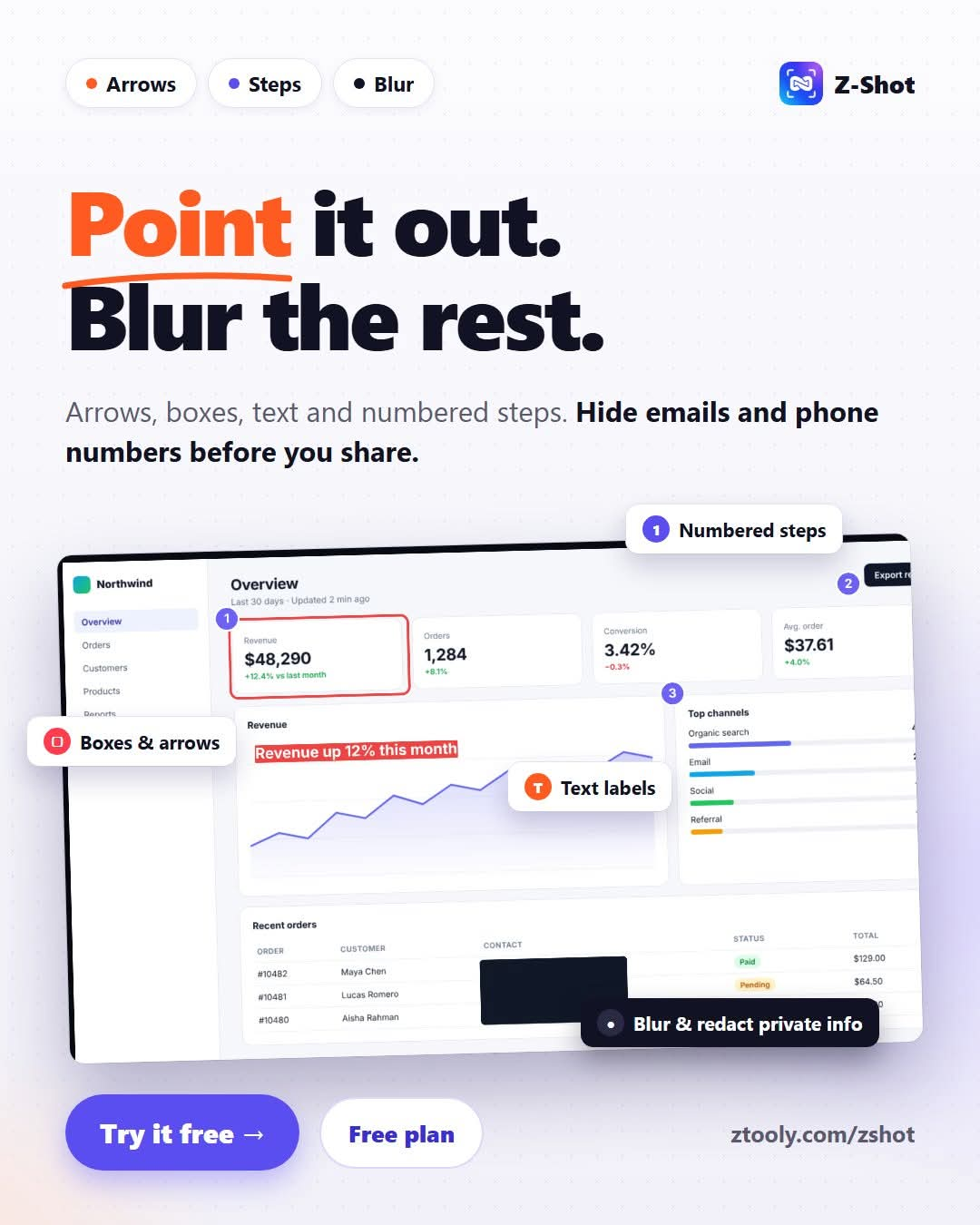
Full-page screenshots and annotation. Capture a scrolling page, a region, a single element or the visible area, then mark it up right away with arrows, numbered steps, callouts, highlights and blur. No exporting to another app just to add an arrow.
Automatic redaction. Z-Shot detects emails, phone numbers, card numbers, API keys and tokens, and lets you review each one before it is hidden. For developers, this removes one of the biggest risks of sharing screenshots.
One-click bug reports. Create a GitHub, GitLab or Linear issue with the page URL, browser, OS, viewport and optional console errors already filled in. This feature changed the way our team handles bugs.
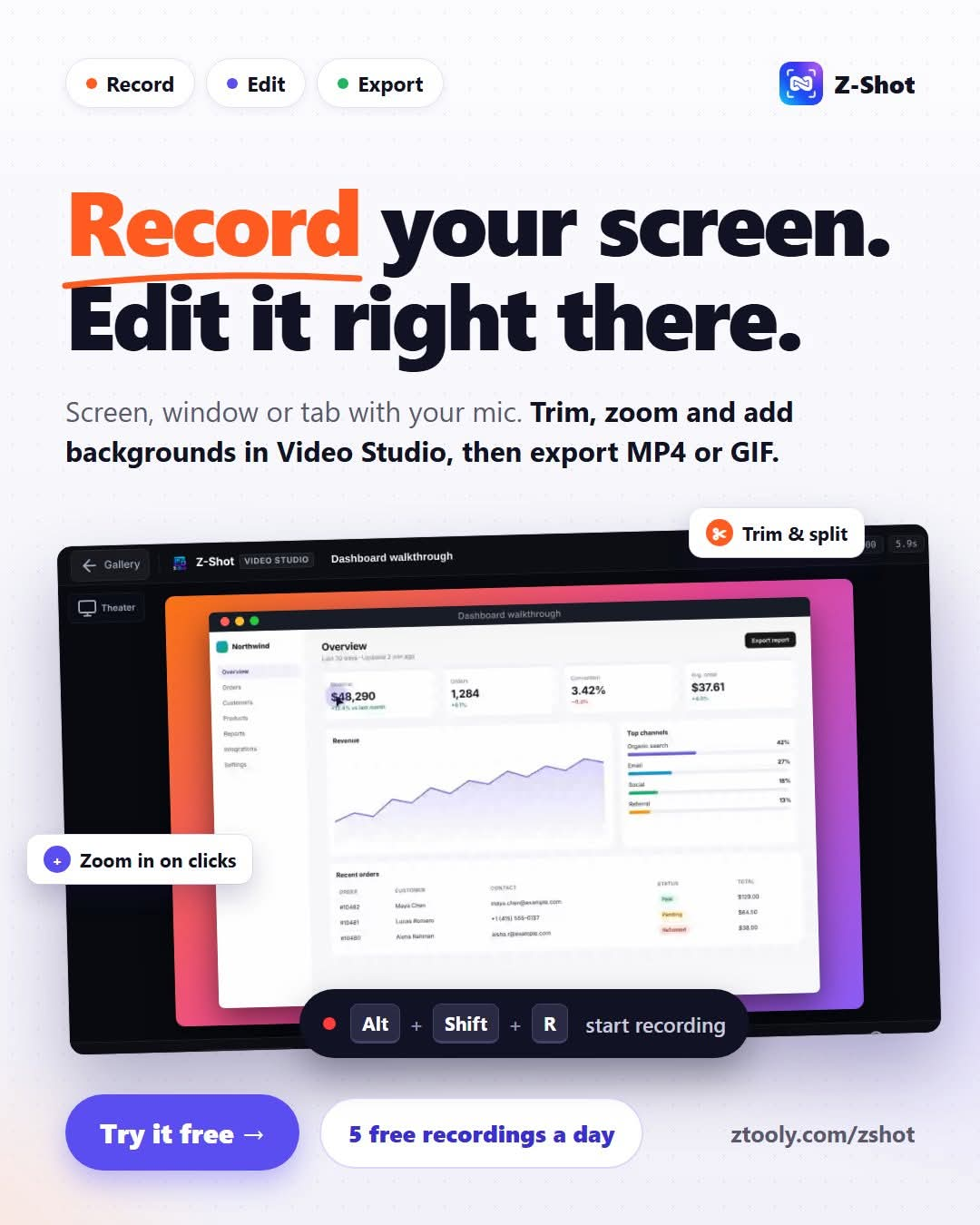
Screen recording and video editing. Record your screen, a window or a tab with microphone and webcam, then trim, split, add zoom regions, backgrounds and annotations in the built-in Video Studio. Export to MP4, WebM or GIF. Around 90% of my video work now happens inside Z-Shot.
Also included: on-device OCR in 17 languages, a step-by-step guide creator, and a Mockup Studio for social media and launch visuals.
Your captures are stored locally in your browser, not on our servers. The free plan covers most features with no card required, and Pro ($4.99/month) removes every limit.
I would really value your feedback. What slows you down most when you capture, annotate or report bugs today? I'll be in the comments all day.
Z-Shot is a developer tool: Full-Page Screenshots, Screen Recorder & Video Editor for Chrome. It is free to start, with paid plans from $4.99/mo. Works on Web and Chrome. Rated 3.5/5 from 2 reviews on GetTried. Website last checked 12 Nov 2026.
Capture full scrolling pages, record your screen with voice & webcam, edit in Video Studio, annotate, auto-redact, and OCR — all inside Chrome. 100% on-device privacy.